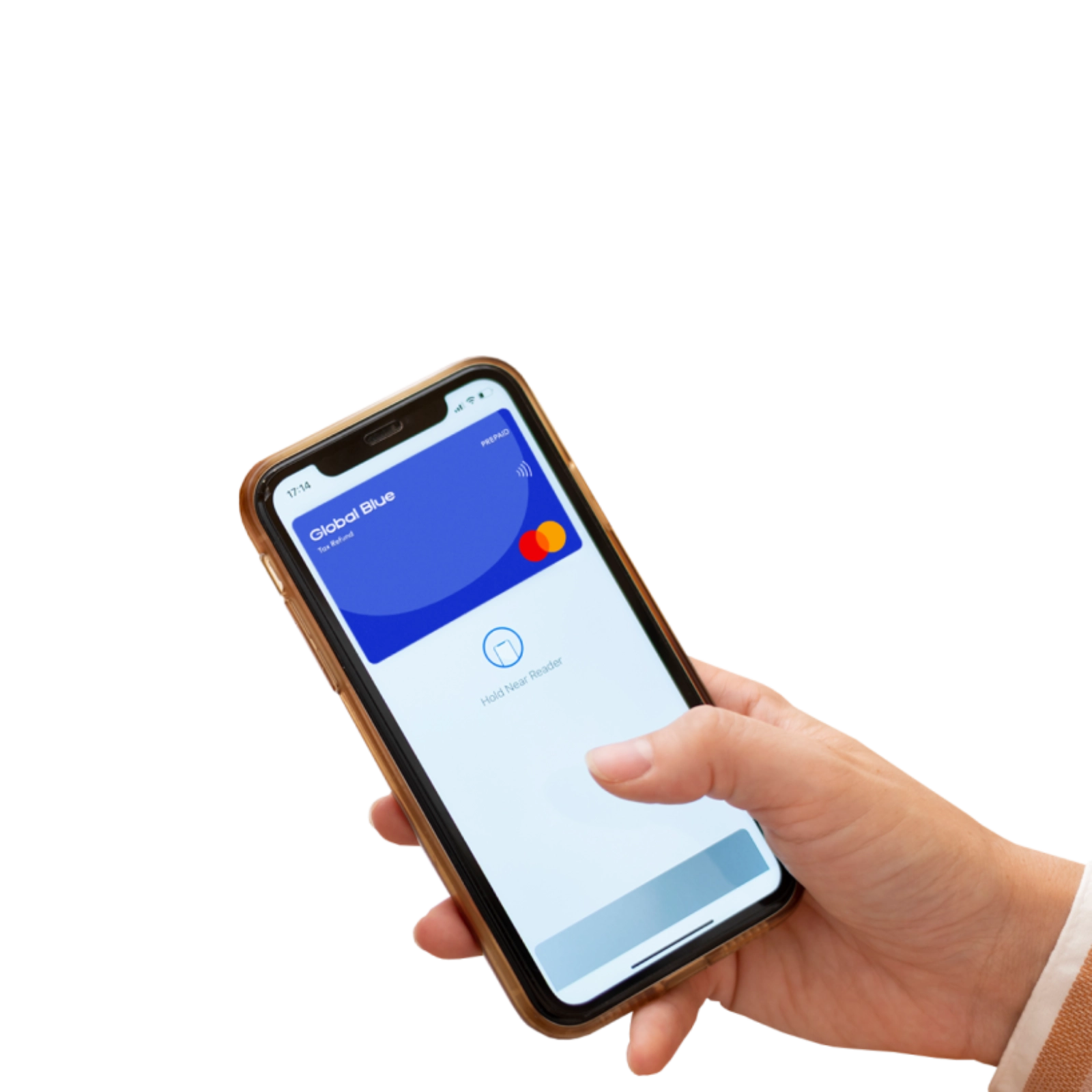
Your Tax Refund has been loaded to a virtual Prepaid Mastercard
Register your Prepaid Mastercard in 4 easy steps


How to use your Global Blue Prepaid Mastercard

Pay online
Log in to your account here to obtain your Prepaid Mastercard card details.
Enter the card number, expiry date, and CVC number to pay for your online purchase. (Your CVC number is the 3 digits at the back of your card)
Enter the e-Pin you'll receive by SMS or email to confirm payment.

Contactless payment in-store
Pay with your phone in-store and at other service points.
- Unlock your smartphone with NFC enabled.
- Place your smart phone close to the payment device to proceed with payment.

Contactless withdrawals from ATMs
How to make contactless withdrawals from ATMs:
- Unlock your smartphone with NFC enabled.
- Tap your phone against the contactless symbol on the ATM.
- Enter your PIN.
- Select your withdrawal amount.
Frequently Asked Questions
You recently made a Tax Free purchase in the European Union but did not claim your refund. To avoid missing out on your refund, we have sent it to you on a Global Blue Prepaid Mastercard. The payment limit on your Prepaid Mastercard equates to your VAT refund amount in Euros.
Your Prepaid Mastercard comes in a digital format and can easily be added to your mobile wallet for convenience. Please note, it is not available as a plastic card.
You can use your Global Blue Prepaid Mastercard for payment wherever the Mastercard logo is displayed. It can be used online, in-store and offers contactless payment when added to Google Pay or Apple Pay wallets.
The card activation code is a unique and confidential identification number you should receive by email to register your card.
1. Visit taxrefundcard.globalblue.dipocket.org
2. Enter your activation code and mobile number. Note that the mobile number will be used as your login ID. Additionally, provide your date of birth, country of residence, and passport details
3. Enter the verification code that will be sent to you by SMS and set a password
4. Finally, to activate your profile, accept the terms and conditions that will be emailed to you. Your card will be active as soon as the registration process is completed.
There are no monthly or yearly transaction fees connected to the Global Blue Prepaid Mastercard. The use of the card online and for contactless payments is completely free if payments are made in Euros. To check the fees that apply when using the card in foreign currencies or withdrawing cash at ATMs, please refer to the terms and conditions you received when registering the card.
How to add the Global Blue Prepaid Mastercard to:

Google pay
1) Open the Google Wallet app.
2) Select the "+" icon in the top corner of the screen.
3) Select "Enter card details manually".
4) Select Dipocket from the list of banks and card issuers.
5) Enter your name and Prepaid Mastercard number, expiry date, and CVC. You can find all the following details in your profile.
6) Accept the card terms and conditions.
7) Set the verification method as SMS.
8) Enter the verification code received via SMS.
9) All done.
Remember to use contactless payment, the NFC function must be enabled on your phone.

Apple pay
1) Open the Apple Wallet app.
2) Select the "+" icon in the top corner of the screen.
3) Select the "Form of payment" option.
4) Go to the credit or debit card option and select, "Enter details manually".
5) Enter your name and Prepaid Mastercard number, expiry date, and CVC. You can find all the following details in your profile.
6) Accept the card terms and conditions.
7) Set the verification method as SMS.
8) Enter the verification code received via SMS.
9) All done.
Remember to use contactless payment, the NFC function must be enabled on your phone.